



First, create your account ! | |
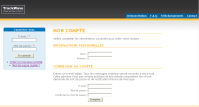 |
Please insert :
|
Step 1 : write the message | |
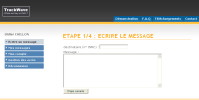 |
This page allows you to input :
|
Step 2 : summary of the message | |
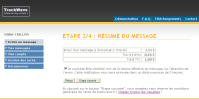 |
This page is showing you the summary of the cost of the message you prepared. You can ask for an email notification. This notification will be sent to you when the message will be treated by the satellite system (The status could be "delivered" or "rejected"). |
Step 3 : choose your payment method | |
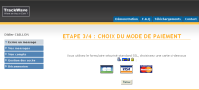 |
Please select your payment method (CB, Visa, Eurocard). |
Please insert your banking references | |
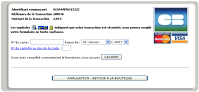 |
The secured interface asks you for your banking references. Our platform does not keep these information and references. They are asked by the server of our bank-partner. They only transit throughout our system. |
Step 4 | |
|
A confirmation message indicates you the reference code of your message. This reference is provided by the satellite messaging gateway. You can then consult your message status in the “sent messages” list. You can also print the associated invoice |
|